
 EN
EN
 ar
ar bg
bg hr
hr cs
cs da
da nl
nl fi
fi fr
fr de
de el
el hi
hi it
it ko
ko no
no pl
pl pt
pt ro
ro ru
ru es
es sv
sv tl
tl iw
iw id
id lv
lv lt
lt sr
sr sk
sk sl
sl uk
uk vi
vi et
et hu
hu th
th tr
tr fa
fa ms
ms hy
hy ka
ka ur
ur bn
bn mn
mn ta
ta kk
kk uz
uz ku
ku
wireless wind speed and direction sensor
Pressure monitoring in Kingmach wireless wind speed and direction sensor is useful when the project needs to understand wind load, air movement, gas pressure, or controlled pressure differences around equipment and structures. A pressure point may support bridge response review, ventilation systems, enclosed spaces, dry gas control, or antechamber monitoring. The installation should protect the pressure path from blockage, water, dust, loose tubing, and accidental disconnection. Because pressure data often changes quickly, channel naming and time alignment are important. If pressure is being compared with vibration, wind speed, or structural movement, the records should share a review timeline. A pressure value without context may be hard to judge. A pressure value connected to wind direction, operating condition, and structural response can explain why a vibration, alarm, or access issue occurred.
For owners, the strongest record is the one that remains understandable after staff changes. Clear units, plain point names, installation photos, maintenance notes, and linked structural channels make the data usable beyond the original project team.
For field teams, this point is most useful when the record shows the condition before the structural response, during the response, and after the site returns to routine operation. The note should include weather timing, inspection access, nearby construction, and whether the linked structural points changed in the same period.
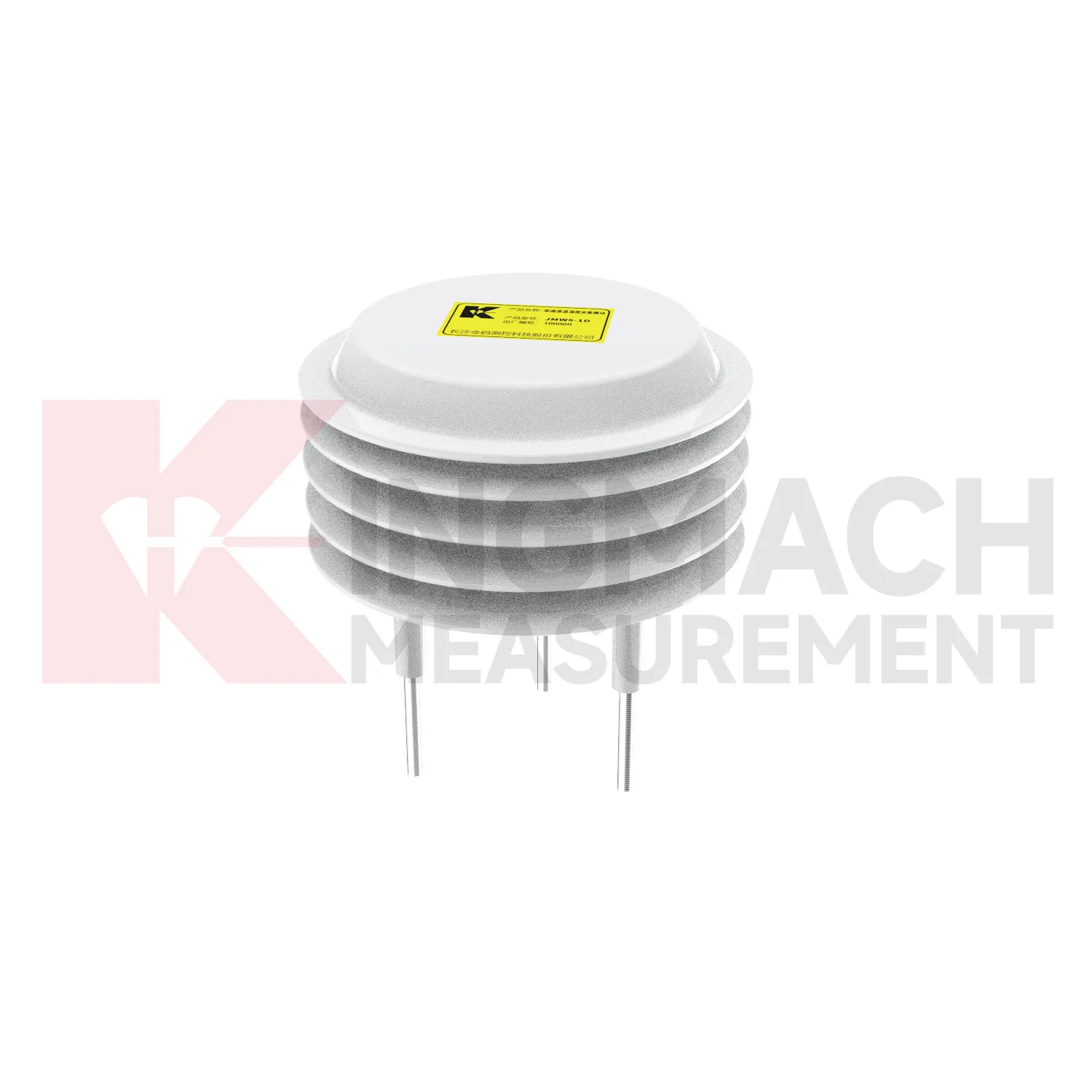
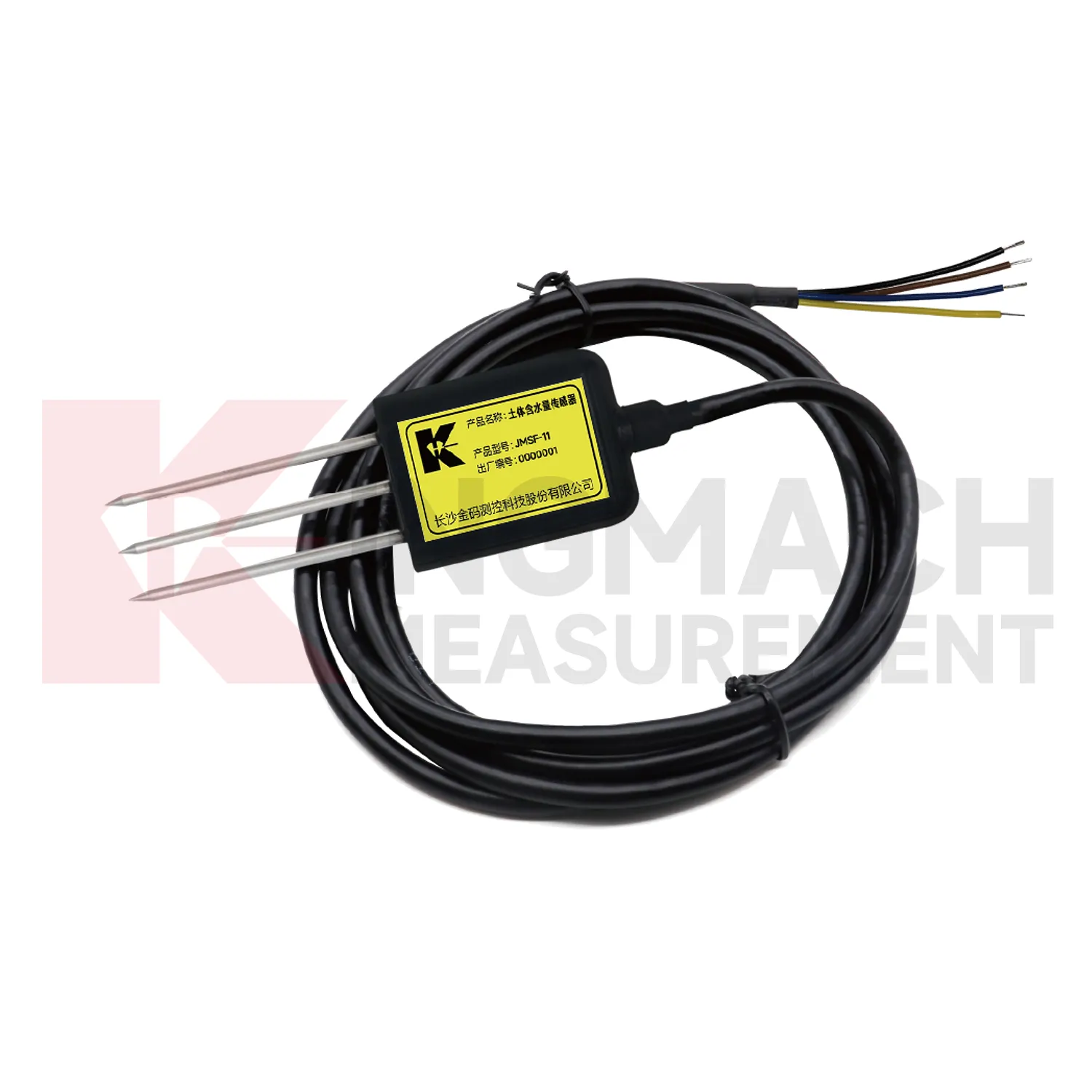
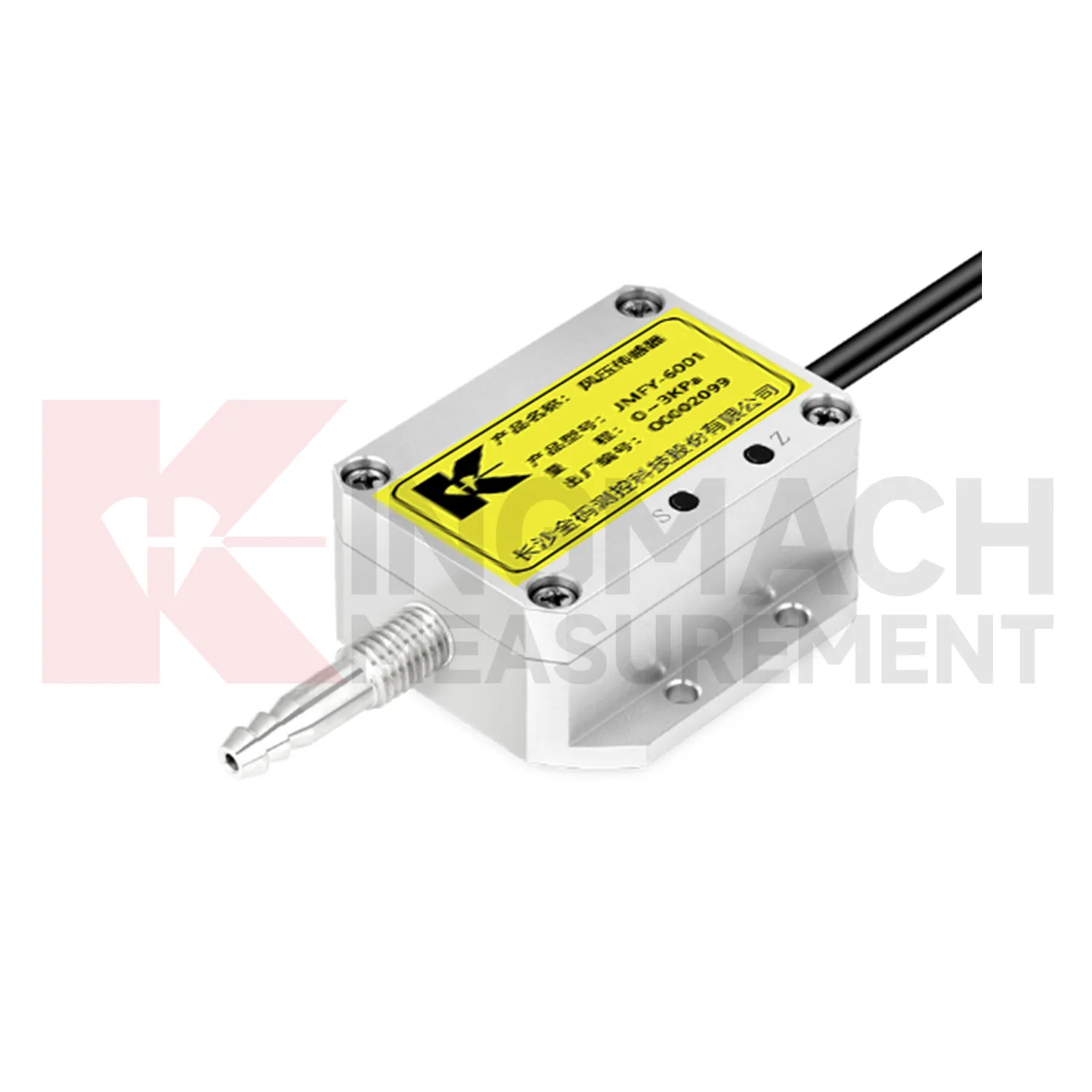
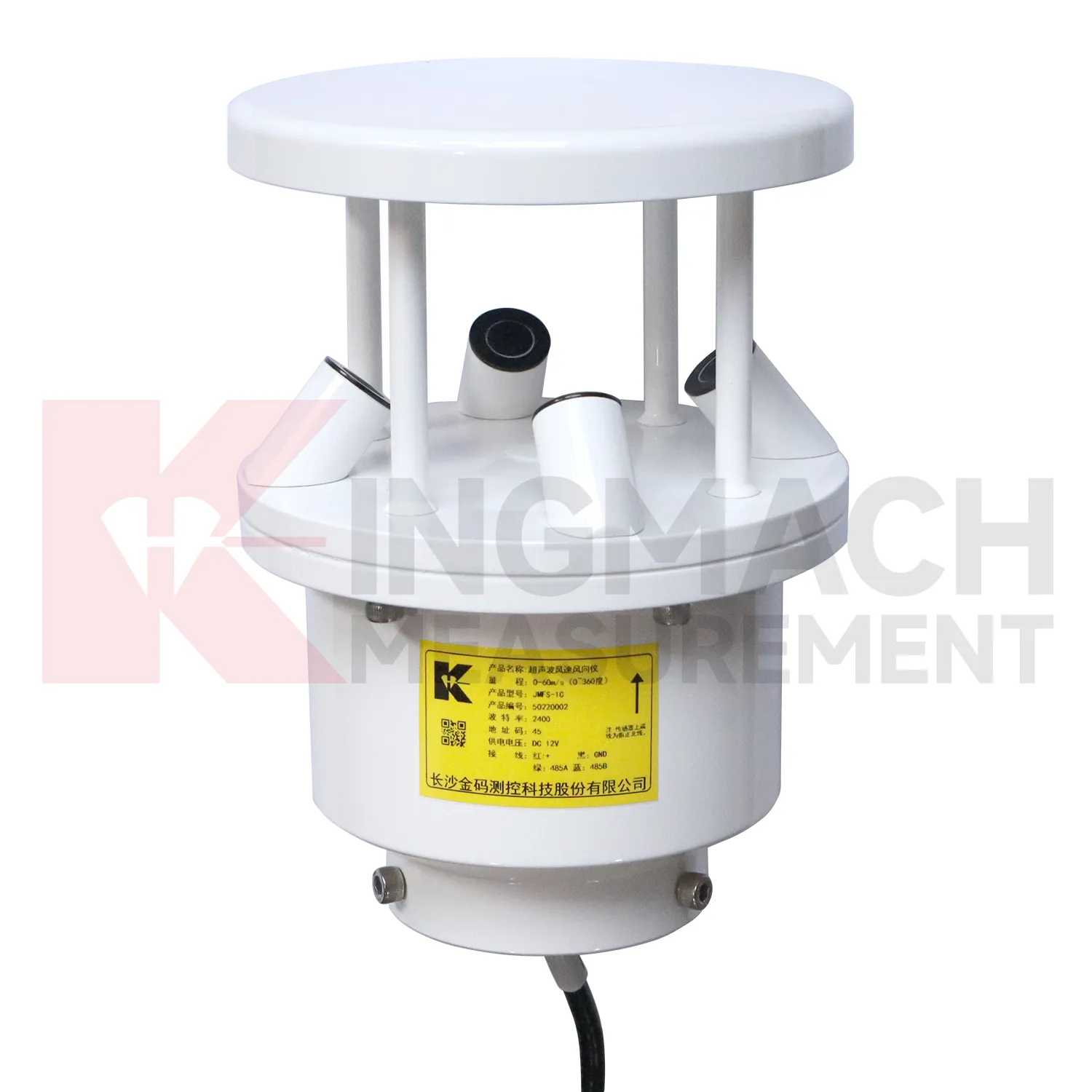
Application of wireless wind speed and direction sensor
Tunnel and subway projects use Kingmach wireless wind speed and direction sensor to follow underground air conditions, water-related changes, and equipment environments. Temperature and humidity can affect cabinet reliability, corrosion risk, sensor stability, and worker comfort. Rainfall outside a portal may relate to seepage or slope movement near entrances. Airflow or pressure differences can matter in shafts, stations, equipment rooms, and construction zones. Environmental readings should be reviewed with settlement, convergence, displacement, crack records, water-level observations, and maintenance notes. Point naming is especially important underground because many sections look similar after construction. A useful record includes chainage, side, elevation, equipment area, and sensor purpose. When a fault, leak, or deformation appears, environmental data helps the team understand whether the change followed weather, ventilation, construction, or equipment operation.
Underground maintenance teams also need environmental records that point to access reality. A damp equipment room, a warm cabinet zone, a portal affected by rain, and a ventilated platform area may all belong to the same project but require different responses. The report should keep these areas separate.
For handover, tunnel records should preserve section drawings, cabinet names, drainage notes, ventilation changes, and photographs after installation. This helps future teams know whether a humidity or temperature change came from site operation, water entry, seasonal weather, or equipment relocation.
The future of wireless wind speed and direction sensor
Future Kingmach wireless wind speed and direction sensor will be grouped around engineering questions. A slope group may include rainfall, soil wetness, displacement, tilt, and pore pressure. A bridge group may include wind, temperature, strain, acceleration, and displacement. A tunnel group may include humidity, temperature, seepage, settlement, and convergence. This grouping is more useful than arranging channels only by sensor family. Owners review risks, not instrument categories. When dashboards and reports follow the risk, environmental data becomes easier for field teams to use during both routine review and abnormal events.
Maintenance teams should record cleaning, access difficulty, enclosure condition, cable repair, vegetation growth, nearby equipment changes, and the first normal reading after work. Those notes protect the meaning of the curve when old data is reviewed months later.
The environmental point should be part of a named monitoring question. It may explain wetting, drying, wind exposure, thermal movement, cabinet stress, or pressure variation, but that purpose needs to be visible in drawings and reports.
Care & Maintenance of wireless wind speed and direction sensor
Power and enclosure care keep Kingmach wireless wind speed and direction sensor reliable in harsh field conditions. Inspect power supplies, terminals, grounding, surge protection, cabinet seals, cable glands, drainage, insect entry, corrosion, and labels. Outdoor stations face rain, dust, heat, cold, wind, and accidental impact. Underground stations face moisture, limited ventilation, and cable congestion. A station may have protected instruments but still fail because a cabinet entry leaks or a terminal loosens. After storms, construction work, or equipment maintenance, record the enclosure condition and first stable data. This makes it easier to tell whether a later change came from the environment, the asset, or the station hardware.
If the reading seems unusual, the team should check the physical condition of the station before drawing conclusions about the asset. Blockage, poor exposure, loose wiring, water entry, and changed surroundings can all create misleading patterns.
A practical report links the condition value with time, place, and action. It should help a reviewer decide whether to keep observing, inspect the field point, compare nearby instruments, or record the event as normal site behavior.
Kingmach wireless wind speed and direction sensor
Procurement for Kingmach wireless wind speed and direction sensor should begin with the site question, not with a product roll call. A slope project may need to know when rain reaches the soil layer that is moving. A bridge project may need wind exposure and temperature context. A tunnel or subway project may need humidity and air-temperature records around equipment rooms and underground spaces. An irrigation or hydraulic project may need ground wetness over time. The buyer should define the measured condition, installation location, data path, maintenance access, and the structural record that will be reviewed with it. This keeps the purchase focused on field use. It also prevents the monitoring station from becoming a mixed box of sensors that collect numbers without explaining any engineering risk.
A good review habit is to compare the condition channel with the nearest asset behavior instead of reading it as a standalone weather value. That keeps the record tied to slope movement, bridge response, tunnel equipment, dam seepage, drainage behavior, or cabinet reliability.
FAQ
Q: Can environmental data support asset management?
A: Yes. Long-term records help owners compare weather, exposure, maintenance events, and structural response across seasons and assets.
Q: How does it help during alarms?
A: It lets reviewers check whether a structural alarm followed rain, wind, temperature change, humidity rise, or another site condition.
Q: What should dashboards show?
A: Dashboards should link environmental channels to the structural risks they explain, rather than displaying unrelated values together.
Q: Why avoid product-list writing?
A: Readers need to understand monitoring purpose and field value; long product lists make the page harder to use and less natural.
Q: What is the best review habit?
A: Review environmental data with time-aligned structural readings, inspection notes, maintenance records, and the site event that triggered concern.
If the reading seems unusual, the team should check the physical condition of the station before drawing conclusions about the asset. Blockage, poor exposure, loose wiring, water entry, and changed surroundings can all create misleading patterns.
Reviews
Matthew Garcia
Instrumentation cables are durable and perform well even in harsh environments. Will definitely order again.
David Wilson
We purchased displacement transducers and settlement sensors, and the quality exceeded our expectations. Easy installation and reliable performance.
Latest Inquiries
To protect the privacy of our buyers, only public service email domains like Gmail, Yahoo, and MSN will be displayed. Additionally, only a limited portion of the inquiry content will be shown.
Harper***@gmail.comIndia
Dear Sir, we are planning to procure a complete monitoring system including strain gauges, tiltmeter...
Mia***@gmail.comNetherlands
Dear team, we are interested in your readouts & data loggers compatible with multiple sensors. Do yo...
Related product categories
- semiconductor based temperature sensor
- semiconductor based ic temperature sensor
- semiconductor-based temperature sensors
- resistance temperature detector sensor
- resistive temperature sensor
- resistance temperature sensor
- platinum resistance temperature sensor
- resistive temperature sensors
- resistance type temperature sensors
- resistance temperature sensors
- temperature sensor resistance
- ambient temperature sensor resistance